
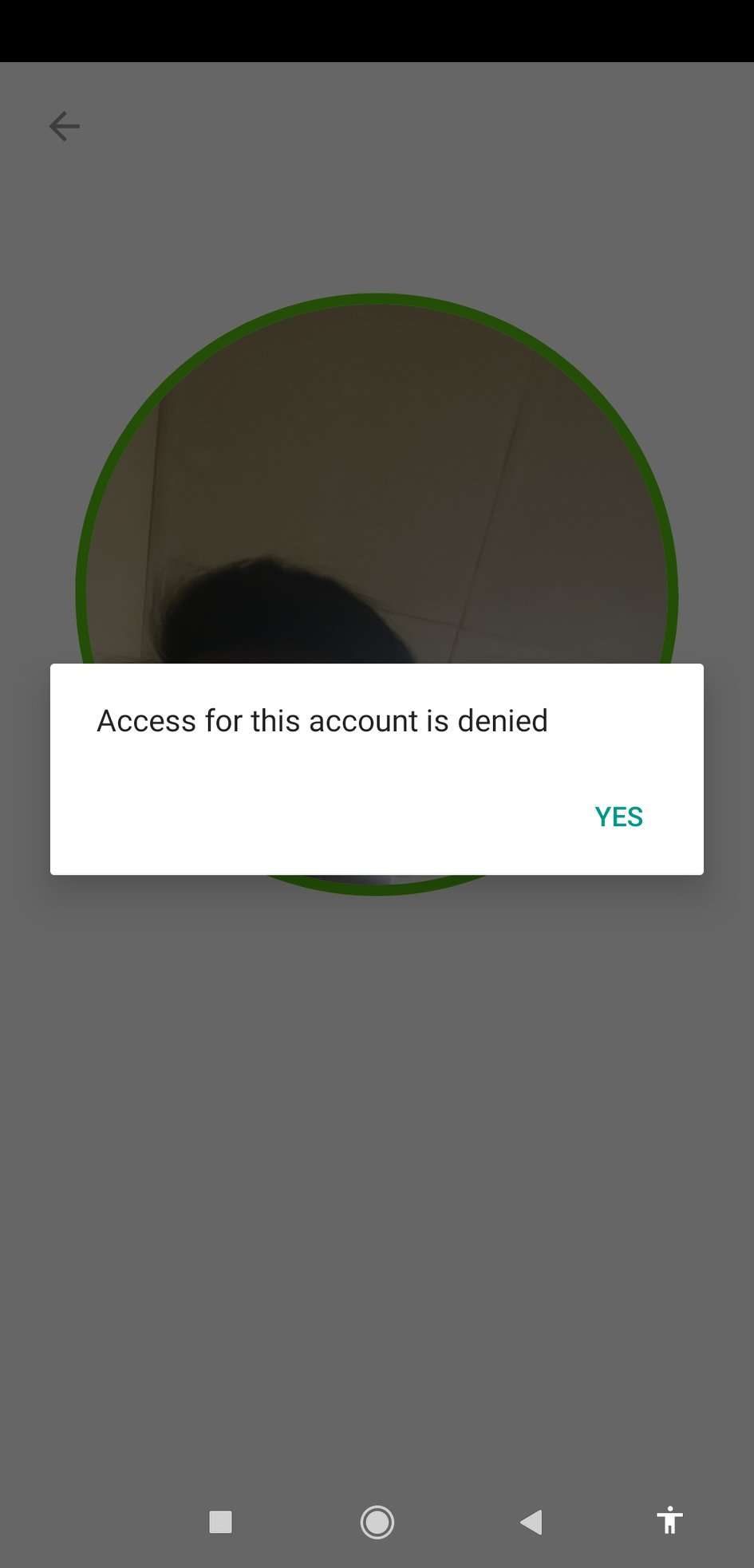
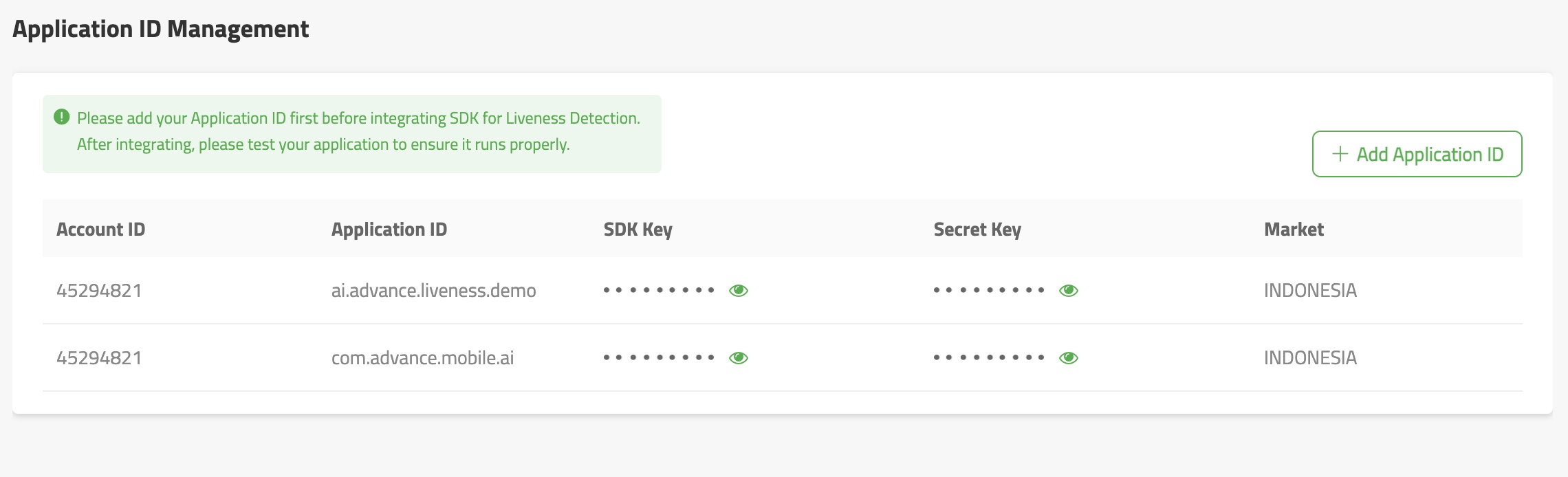
If you are using Liveness Detection with SDK key authentication method, you need to bind you application id into our websaas portal also please make sure that you are inputting the SDK key and Secret key correctly in SDK init file
1. Login thourgh our websaas portal
2. Under Account menu, choose Aplication ID Management
3. You can add new application id based on your mobile app name
Comments
0 comments