
If you want to see history of your query/transaction, you can view and download it via our websaas portal
1. Login to our websaas portal
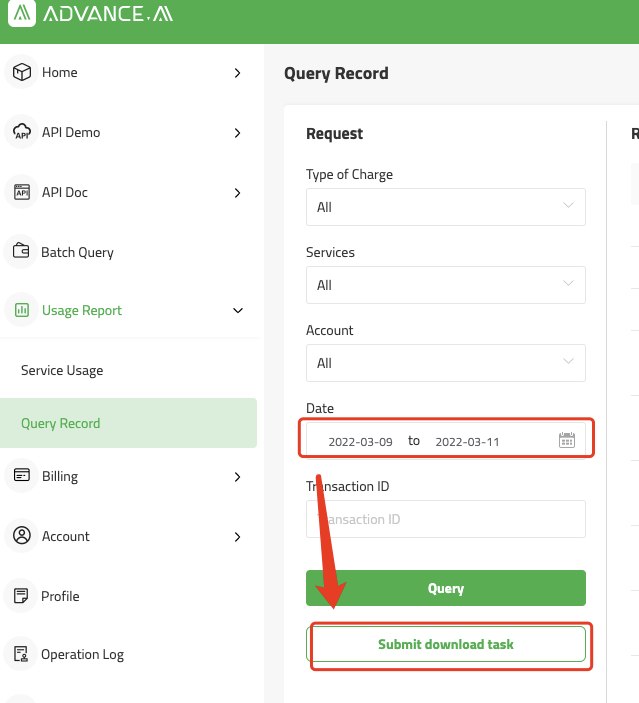
2. Go to Usage Report menu and choose Query Record
3. If you choose query, the results will be showing in the right side
Comments
0 comments